Use caseMac · One-time · No account

How to limit screen time on Mac

Cutting screen time starts with the real number, and most people guess low. Timecard shows every app and website on your Mac, then lets you give each one a daily limit that actually holds.

01

Guesses are low

Most people underestimate their screen time. Without a record there's nothing to cut.

02

Limits that don't hold

Screen Time's limits offer Ignore Limit, and its website limits only work in Safari.

03

The browser hides everything

A day in Chrome looks like one line, so you can't tell which sites are the problem.

How Timecard helps

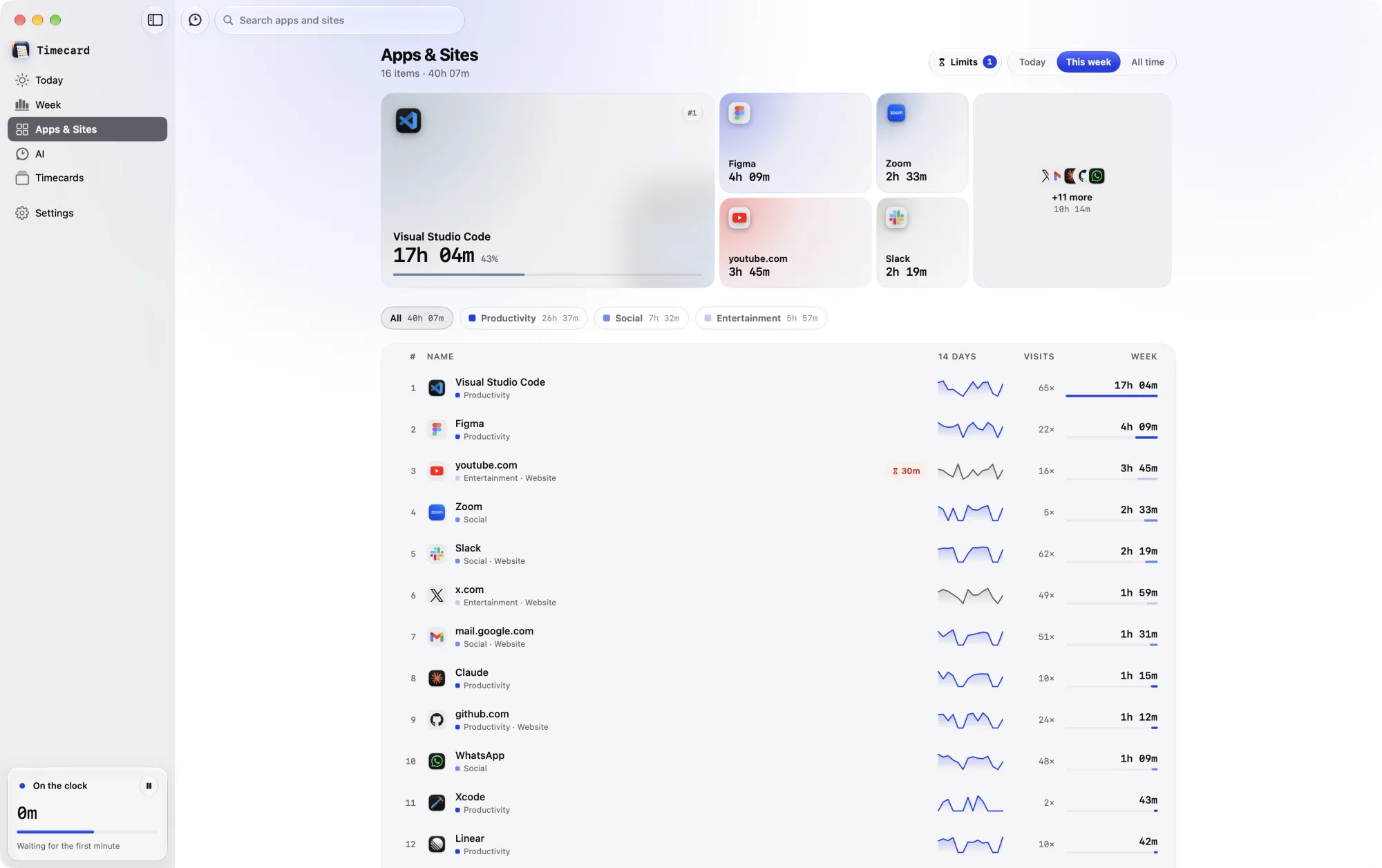
A daily limit chip on the youtube.com row in Timecard's Apps & Sites
A daily limit on youtube.com, shown on its row in Apps & Sites.

The real number

Every app and website, in every major browser, kept on your Mac forever.

Limits that block

When time runs out, the tab goes blank or the app is covered, until you close it or make a case.

A nudge first

At 80%, the notch shows how many minutes are left.

Your Screen Time limits, picked up

Limits you already set in Screen Time, including ones from your iPhone, appear in Timecard and stay linked.

How to limit screen time on Mac
questions

How do I see my screen time on a Mac?

System Settings › Screen Time shows a few weeks of app use. Timecard shows every app and website, in every major browser, with history kept forever.

How do I block a website on Mac in Chrome?

Screen Time's website limits only work in Safari. Set a daily limit in Timecard and it blocks the site in Chrome, Arc, Brave, Edge and other supported browsers when time runs out.

How do I reduce screen time on my MacBook?

Look at a week of real numbers first, then put a daily limit on the one or two sites or apps that take the most free time. Timecard nudges you at 80% and blocks at 100%, in every major browser, not just Safari.

What's a good screen time goal?

Start with your real number for a week, then cut the one or two sites that take the most leisure time, by 20 to 30 minutes a day. Small, specific limits stick better than big ones.

Related