Use caseMac · One-time · No account

Time tracking for remote work

At home, the workday has no door. Timecard notes when you start and stop, which apps and sites took the hours, and prints the day as a timecard each evening, so you can see the day and then close it.

01

Days without edges

You check Slack at 8, answer one more email at 9 PM, and the day never quite ends.

02

Meetings swallow the work

Hours go to calls and messages, and the real work slips to the evening.

03

No record of the hours

When someone asks how long something took, you have to guess.

How Timecard helps

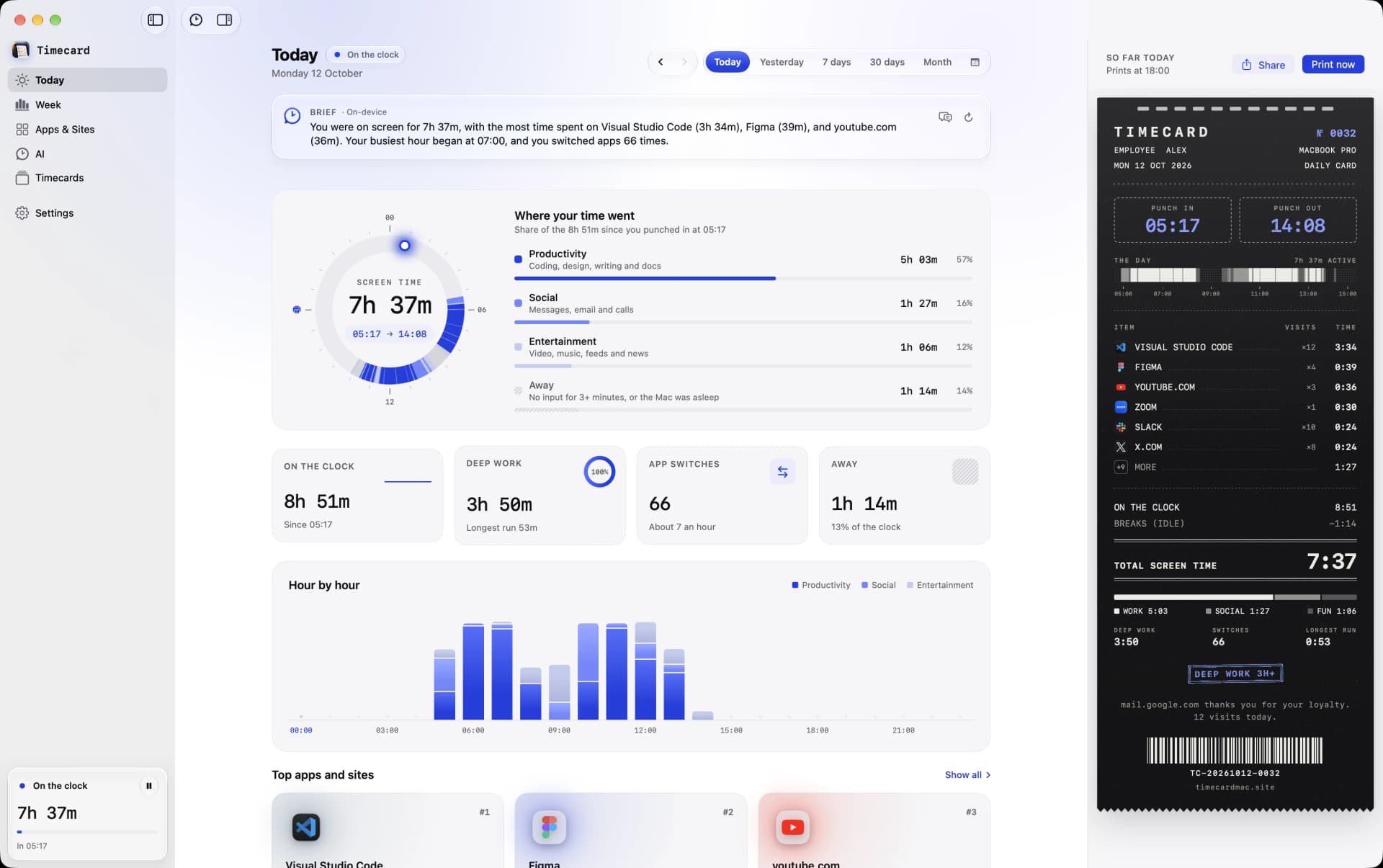
Timecard's Today view on a Mac with screen time per app and per website
Your workday, from punch-in to now, split into apps and sites.

Automatic punch-in

Your first activity of the day is punch-in, your last is punch-out, and idle time is left out. Late nights can count toward the day before.

Calls count

Video and calls keep counting even when you aren't typing.

An end-of-day card

At the time you choose, the day prints from the notch: hours, top apps and sites, deep work.

Weekly view

See each day of the week side by side, against the week before.

Time tracking for remote work
questions

Does Timecard report to my employer?

No. There's no account, and your activity stays on your Mac, where only you see it.

Does it count meetings?

Yes. Video and calls keep counting even without keyboard or mouse input.

What if I work past midnight?

Set when your day ends in Settings, and late-night work counts toward the day before.

Related