HelpTimecard for Mac

Browser access

When you turn on website names, macOS asks once per browser whether Timecard can control it. Timecard uses that to read the address of the front tab, so an afternoon in Chrome becomes the real websites, and to blank the tab when a daily limit runs out.

Find it inSystem Settings › Privacy & Security › Automation

What Timecard reads

The website's address in the tab you're looking at, every few seconds, and only while the browser is in front. When a limit runs out, it also reads that tab's title, so Ask for time knows what the page is. It never reads what's on the page or what you type.
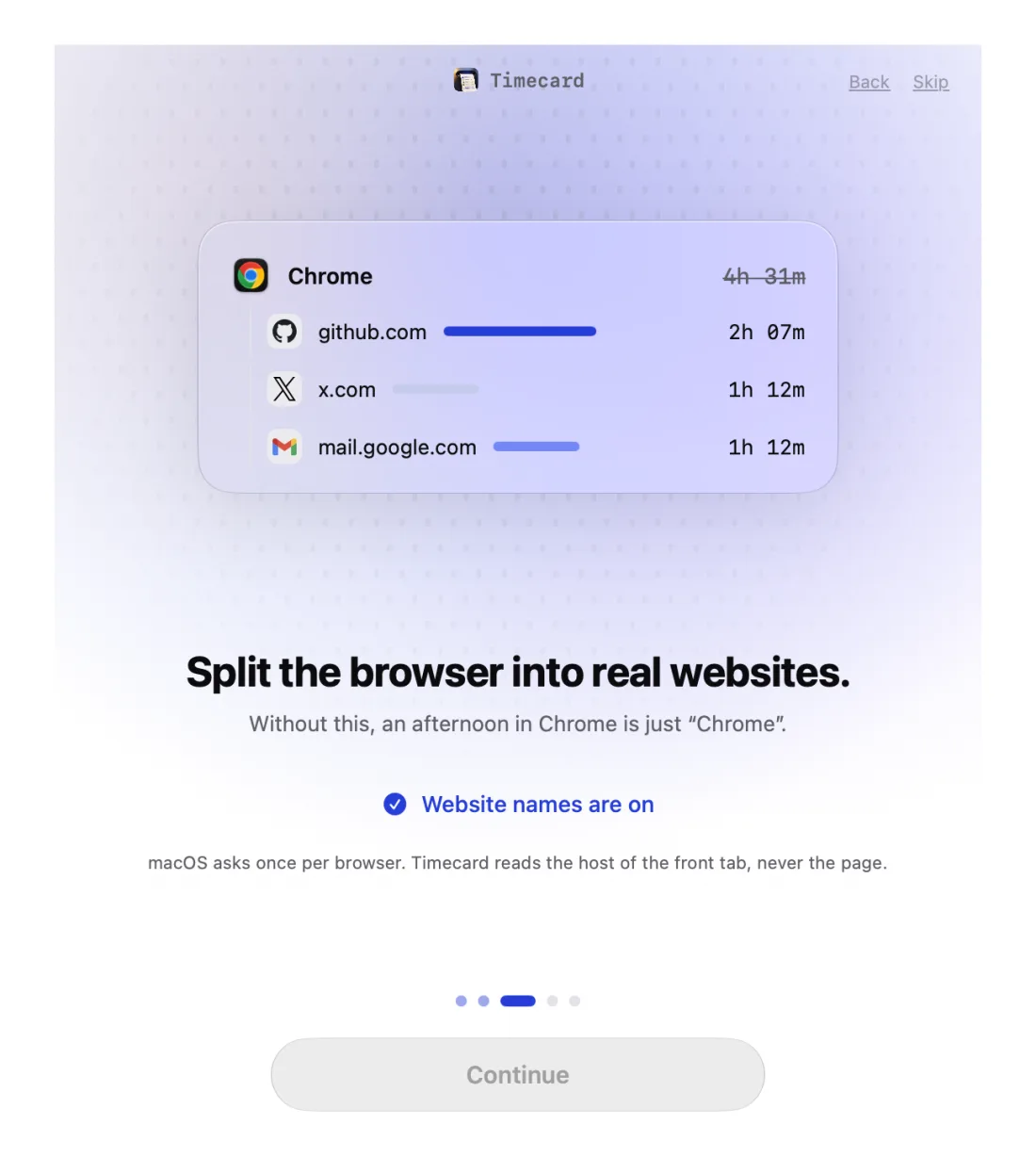
Timecard setup step that turns on website names, splitting Chrome into real websites

Supported browsers

Safari, Chrome, Arc, Dia, Brave, Edge, Vivaldi, Opera, Comet and Chromium. Firefox doesn't support this kind of access, so time in Firefox is counted as Firefox.

If you clicked Don't Allow

  1. Open System Settings › Privacy & Security › Automation.
  2. Find Timecard and switch on each browser you use.
  3. Switch back to the browser. Timecard picks up the next tab.

Still stuck? Email princeajuzie1@gmail.com.

Browser access
questions

Why does macOS say Timecard wants to control my browser?

That's macOS's standard wording for apps that talk to another app. Timecard only asks the browser for the front tab's address, and blanks the tab when a limit runs out.

Can I use Timecard without browser access?

Yes. Turn off website names in Settings and the browser counts as one app, like Screen Time does. Website limits need it to block tabs.

Why does it ask again after an update?

After Timecard 2.1.4's new signature, 2.1.5 cleared the old browser permission once so macOS would ask again. Click OK when it does.

More help