 Pastely
 Archly
What counts
One thing at a time: the app in front, or with website names on, the site in the browser tab you're looking at. Background apps and tabs don't count.
Breaks
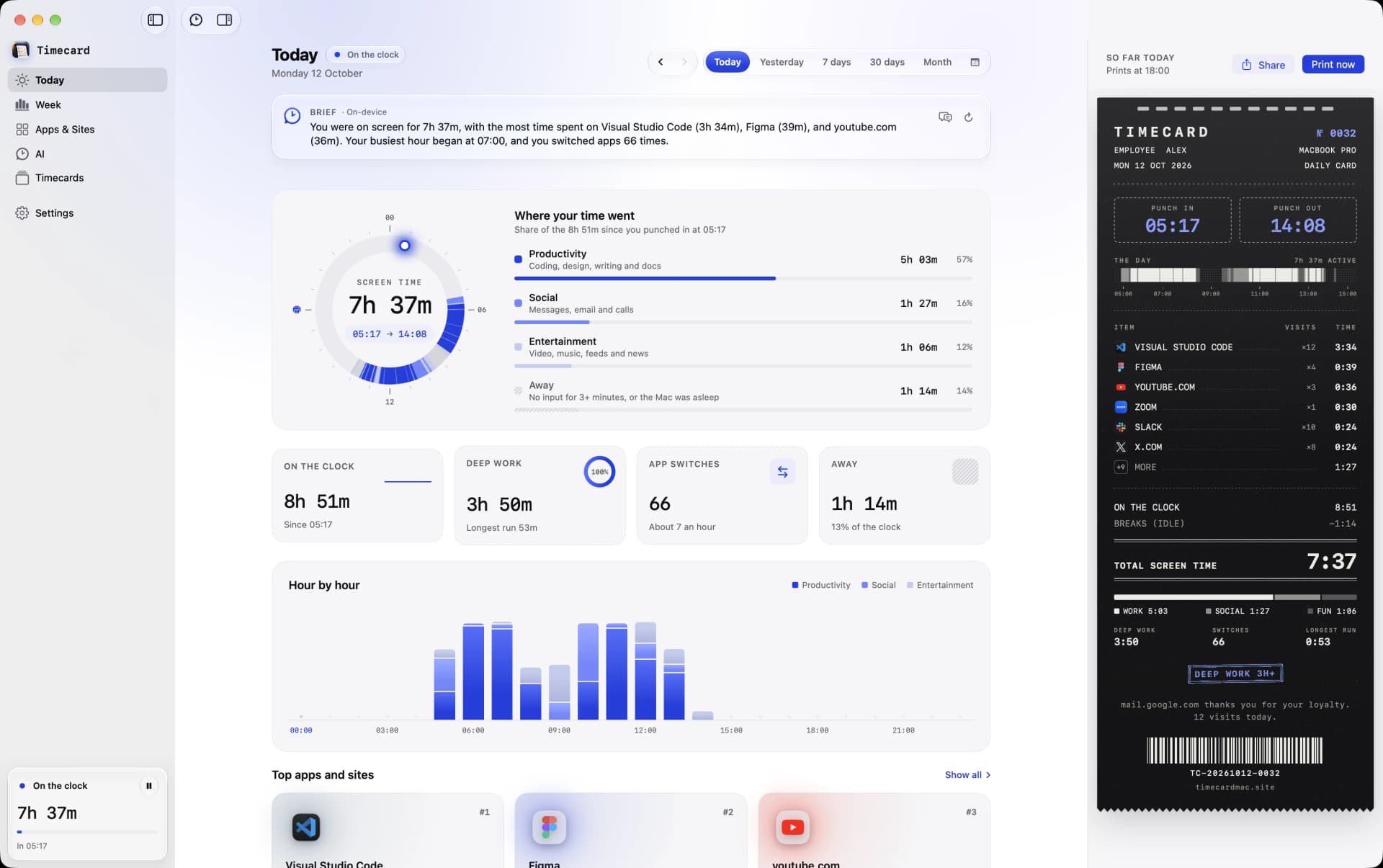
After 3 minutes without keyboard or mouse input, Timecard stops counting from your last input. Video and calls keep counting, because you're watching, not away.
Pausing
Click the pause button at the top of the Timecard window when you'd rather nothing is recorded, and again to resume. Quitting offers Pause Tracking too. Settings › Tracking shows when it's paused.
Your history
Everything is kept in one file on your Mac, forever. With Full Disk Access, Timecard also imports the weeks of history macOS Screen Time still has.
Still stuck? Email princeajuzie1@gmail.com.