 Pastely
 Archly
When it prints
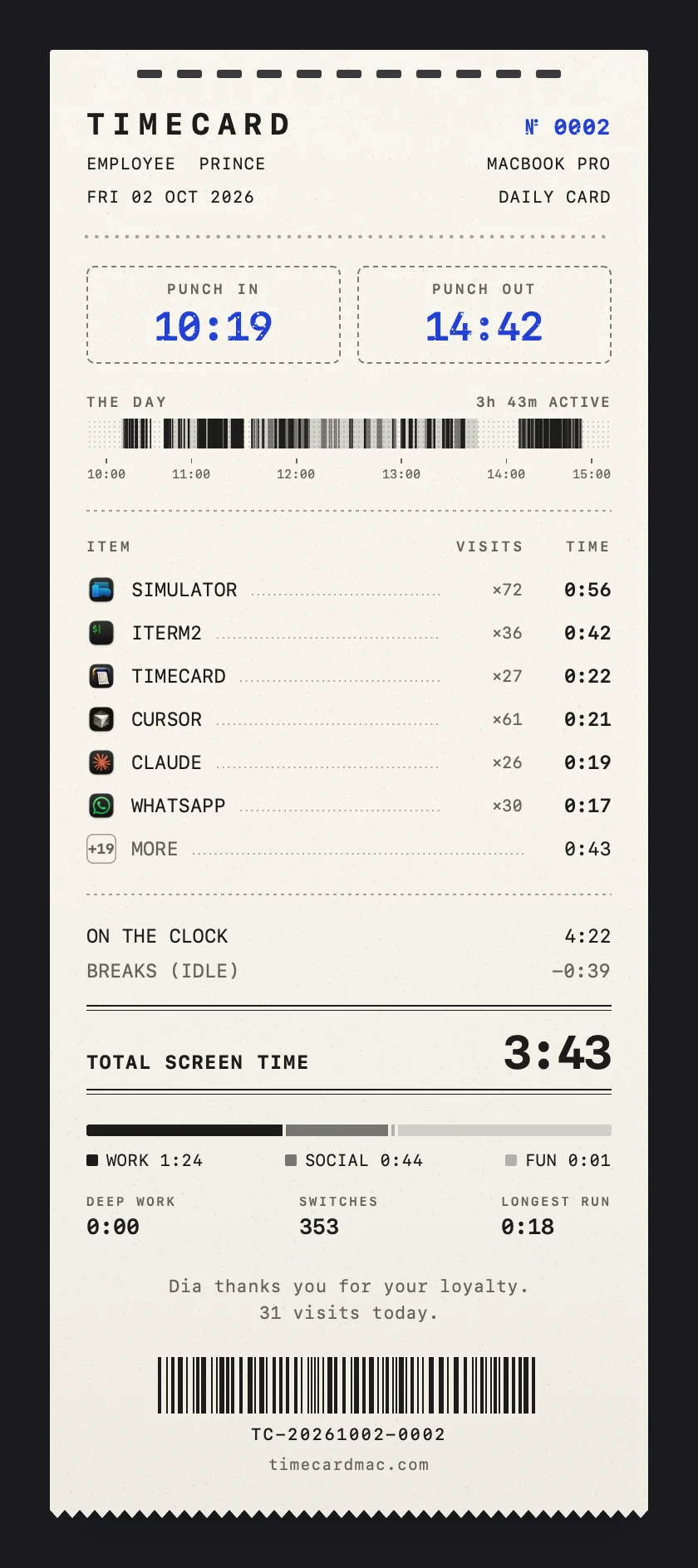
Set Prints at to the time you want your card. Click Test print to see one now. On a Mac without a notch, the card prints from the top of the screen.
When a day ends
Day ends at decides which day late nights belong to. Set it to 4 AM, and work at 1 AM counts toward the day before. Limits reset at the same moment.
Paper and sound
Pick classic paper or carbon in Settings › Paper. Printer sound plays a tick for each line and a rip when you tear the card off.
Keep an app off your cards
Add it under Hidden from cards in Settings, and it won't appear on the cards you print or share.
Without a licence
Tracking and the window always work. Each day's card is kept sealed, and you can print sealed cards from Cards once you activate a licence.
Still stuck? Email princeajuzie1@gmail.com.